Batch Sheet Export Pro for Aseprite
A downloadable game
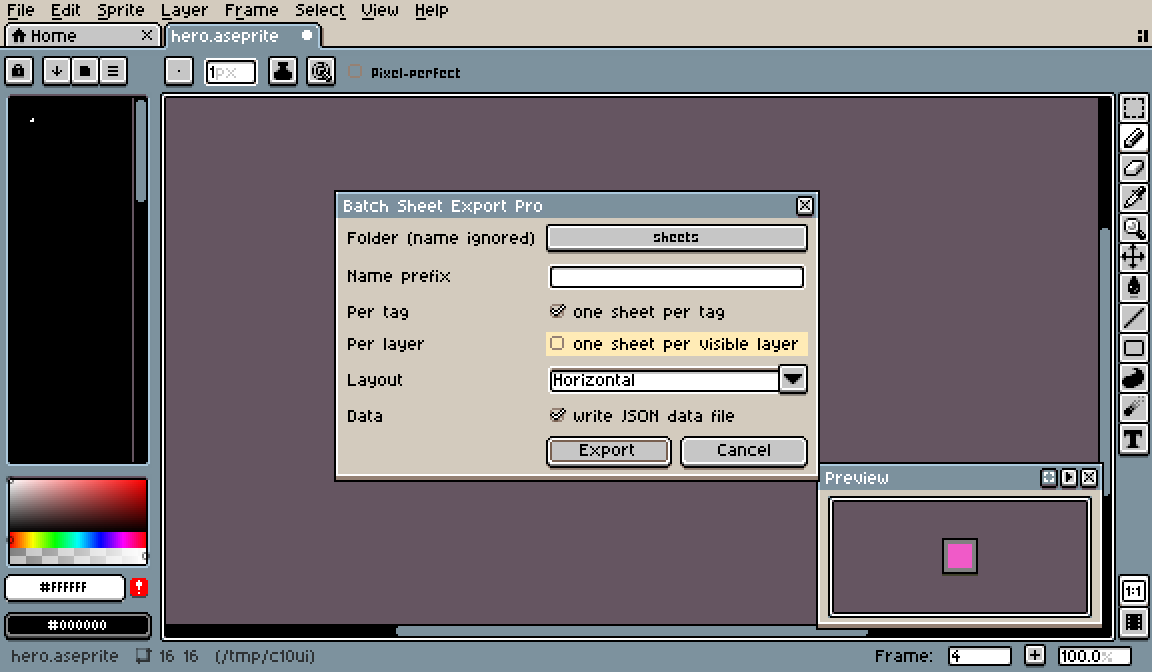
Batch Sheet Export adds File > Export > Batch Sheet Export... to Aseprite. One dialog, one click: it writes a sprite sheet for every animation tag and every visible layer of the open sprite, named sprite_tag_layer.png. Sheets are written by Aseprite's own export engine, so trim and padding match File > Export Sprite Sheet defaults.
Install: double-click the .aseprite-extension file (or Edit > Preferences > Extensions > Add Extension). Requires Aseprite 1.3 or newer. Aseprite asks once for write access to the export folder; allow it.
- One sheet per tag: all tags
- One sheet per layer: yes
- Tag x layer combinations: yes
- JSON data per sheet: yes
- Layout horizontal / vertical / rows / columns: yes
Tested in the real Aseprite window (dialog opened, options set, export run). Known limit: the output folder is chosen via a file picker that ignores the file name.
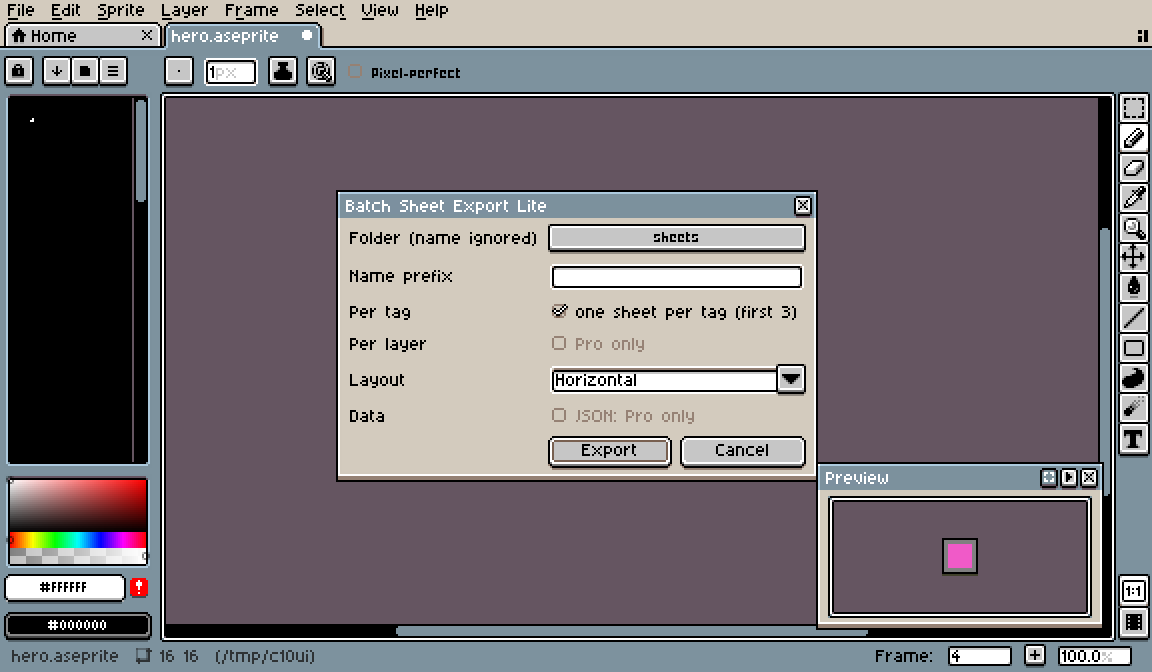
Free Lite version to try first: Batch Sheet Export Lite.
Disclosure: this extension was written by an AI agent (Claude) working for the account holder and tested in a real Aseprite.
Leave a comment
Log in with itch.io to leave a comment.